Water
Hyperreal© Water is one shader that covers the whole water problem: the surface, the depth beneath it, and the view from below. Drop it on any mesh — a plane, a river spline, a bathtub — and it works out where the bottom is on its own. No volume to author, no second material, no setup scene.
Depth, not transparency
Water colour comes from how far light travels through it, not from a flat transparency setting. Shallows read warm and let the bottom through; the channel goes deep and opaque; the transition between them is continuous.
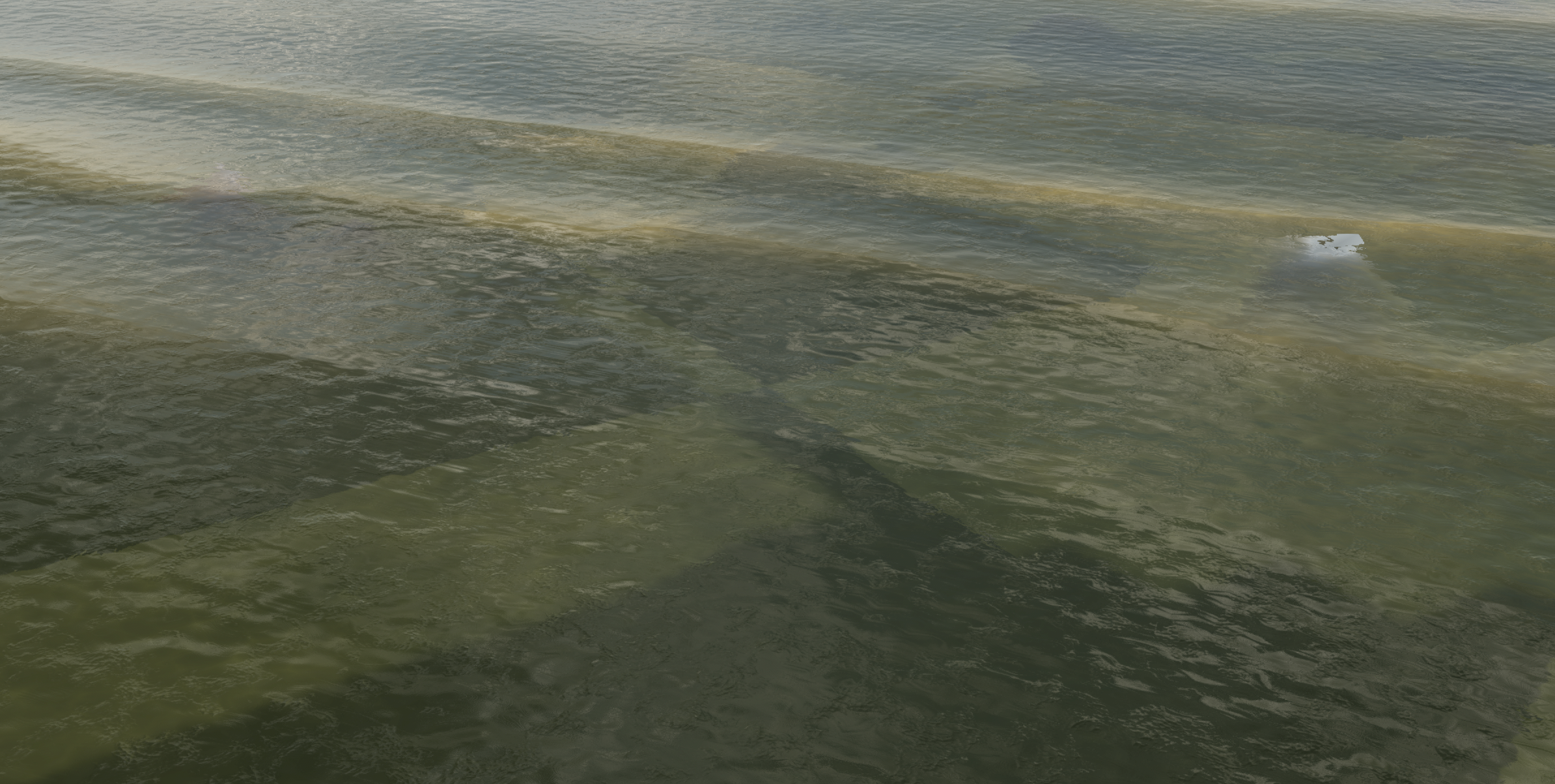
The sand bar reads clearly through the shallows and disappears into the channel.
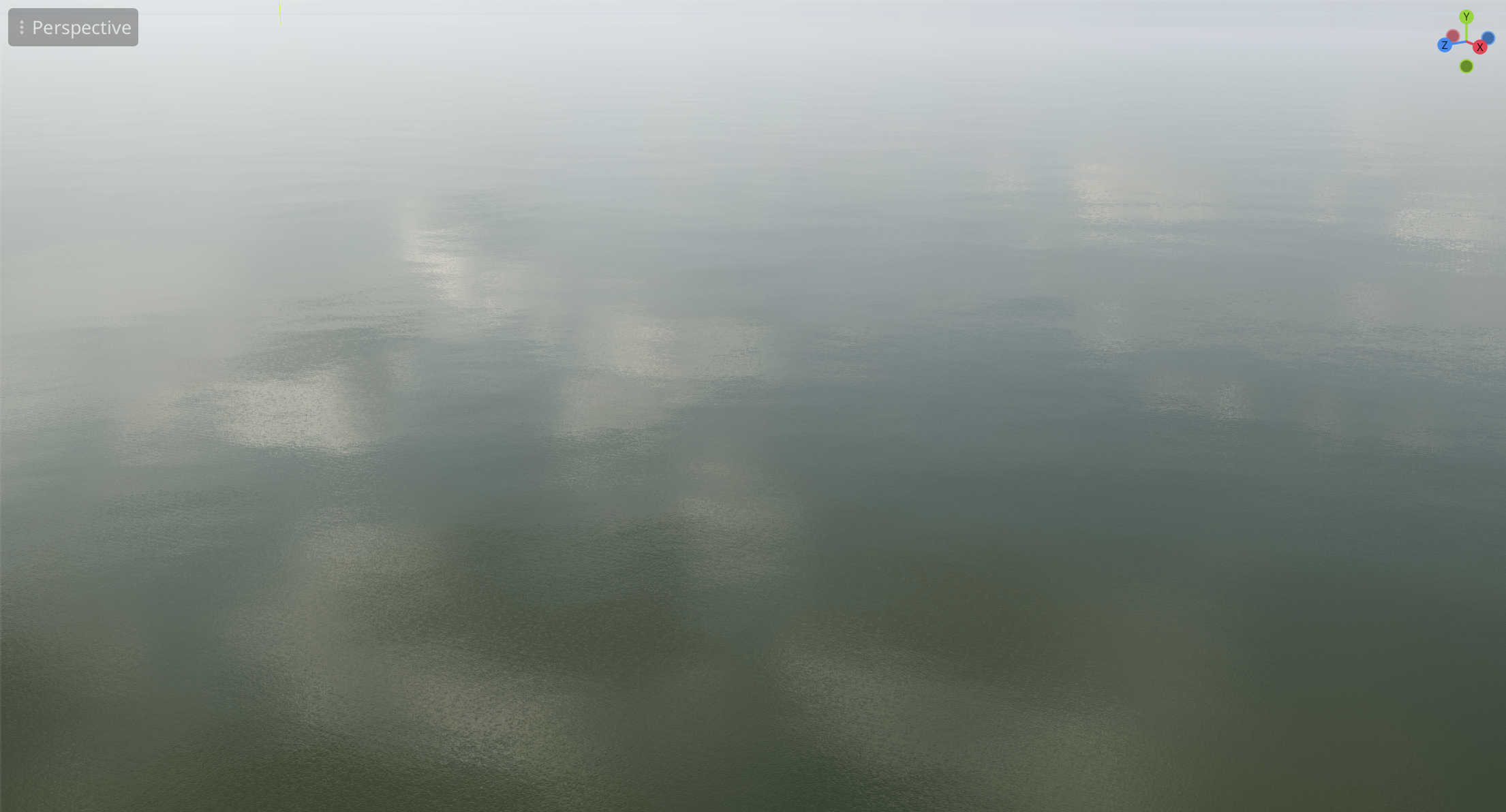
Distance fade keeps a large body of water calm and readable.
Caustics that stay put
Caustics play across whatever sits under the water, and they move with the surface rather than sliding against it — the single most common tell in a water shader. Subsurface scattering lights the backs of waves, which is what sells thickness on a crest with the sun behind it.
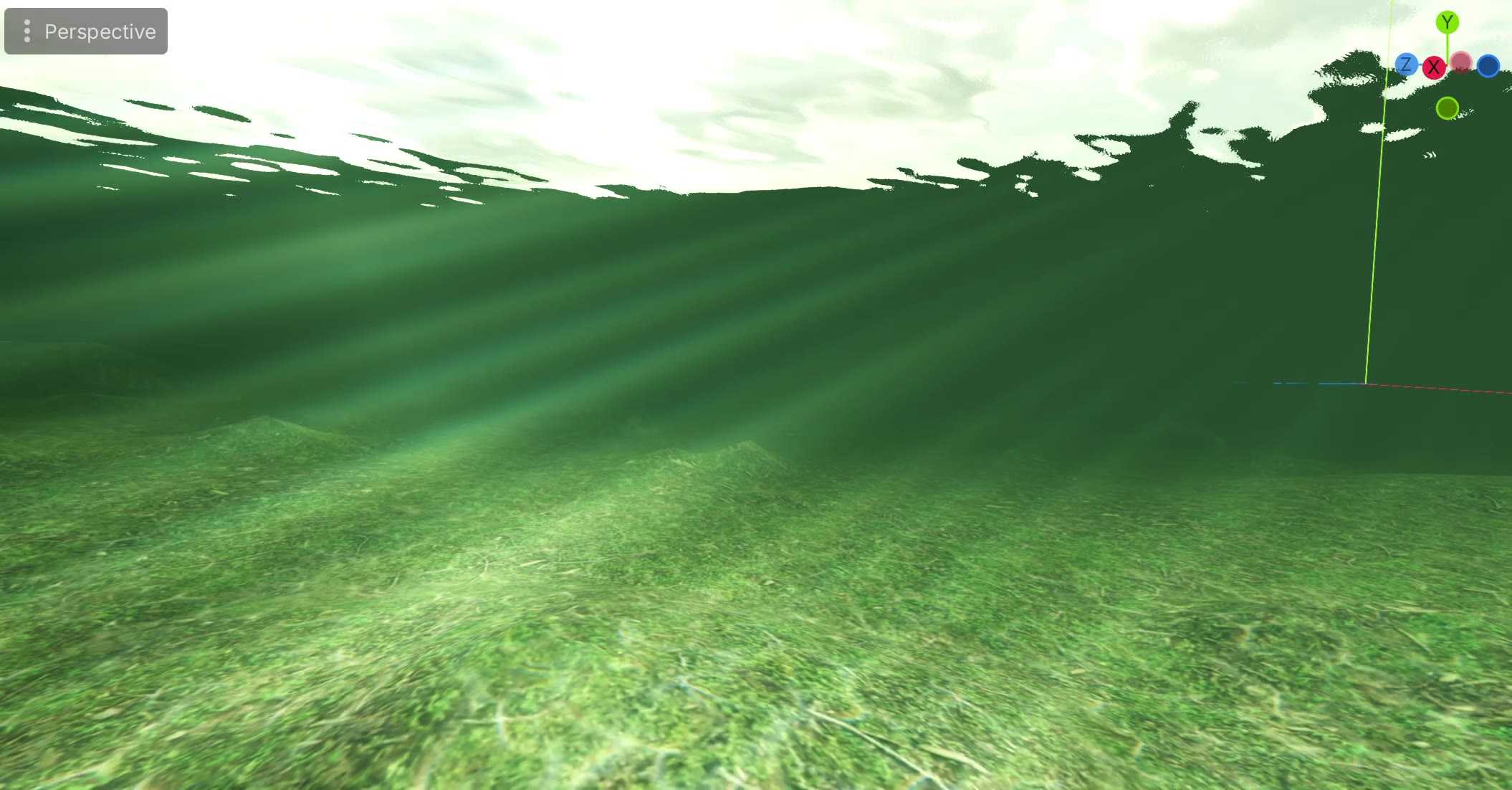
Underwater, out of the box
Cross the surface and you’re underwater. It’s the same material, with its own set of controls — nothing to script, nothing to trigger, no second shader to keep in sync.
Built to be cheap
Water is written to run on modest hardware, including the Mobile renderer. Work that can’t be seen isn’t done: detail that has no effect at distance is skipped, and effects fade out before they stop earning their cost.